Screenshots

See Papayra at work.

Every picture here is Papayra editing World Conservation, our eight-page sample magazine. Select any screenshot to see it larger.

Apple first

Papayra for Mac

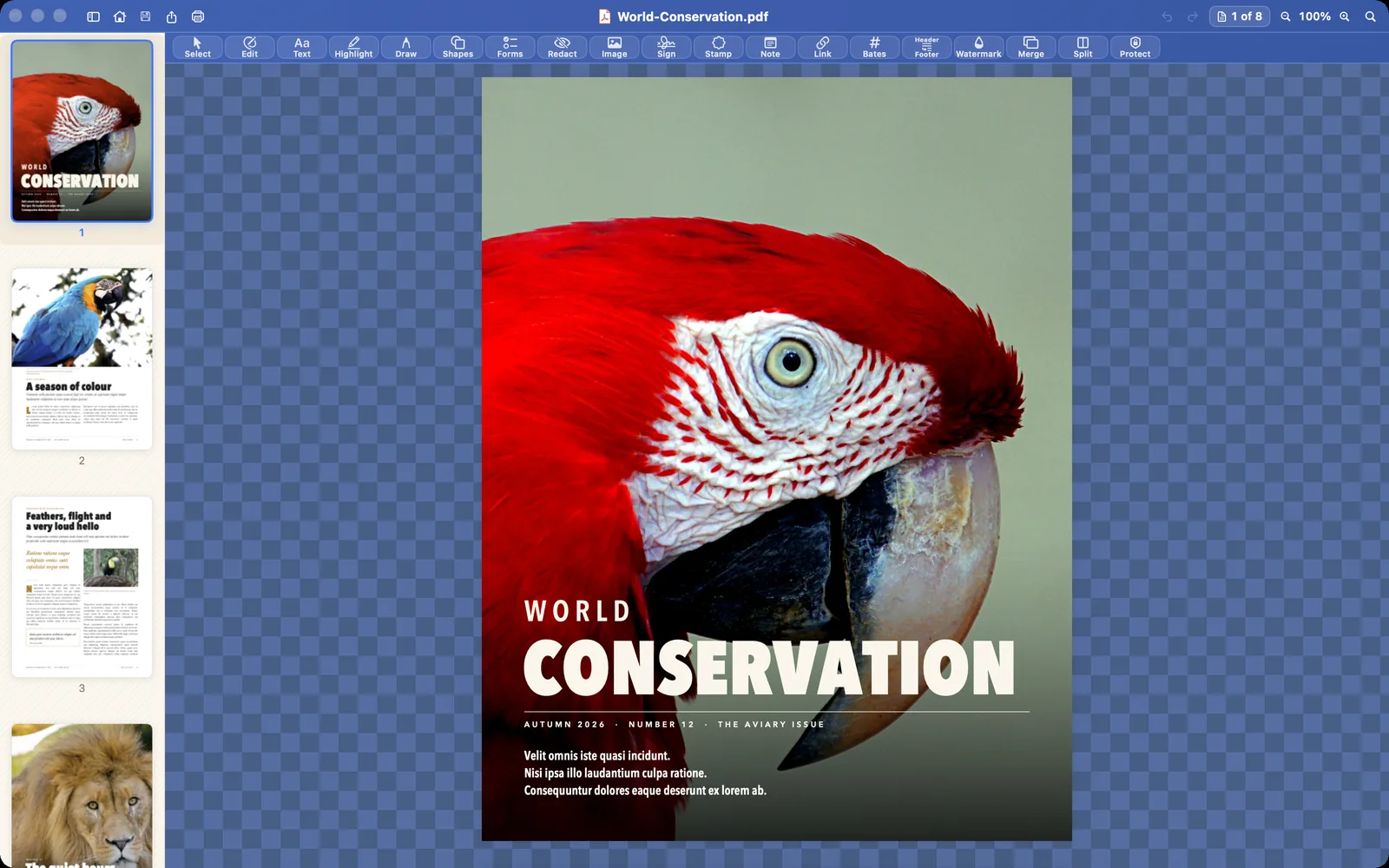
The Mac app’s own window, with the toolbar across the top and the page sidebar on the left.
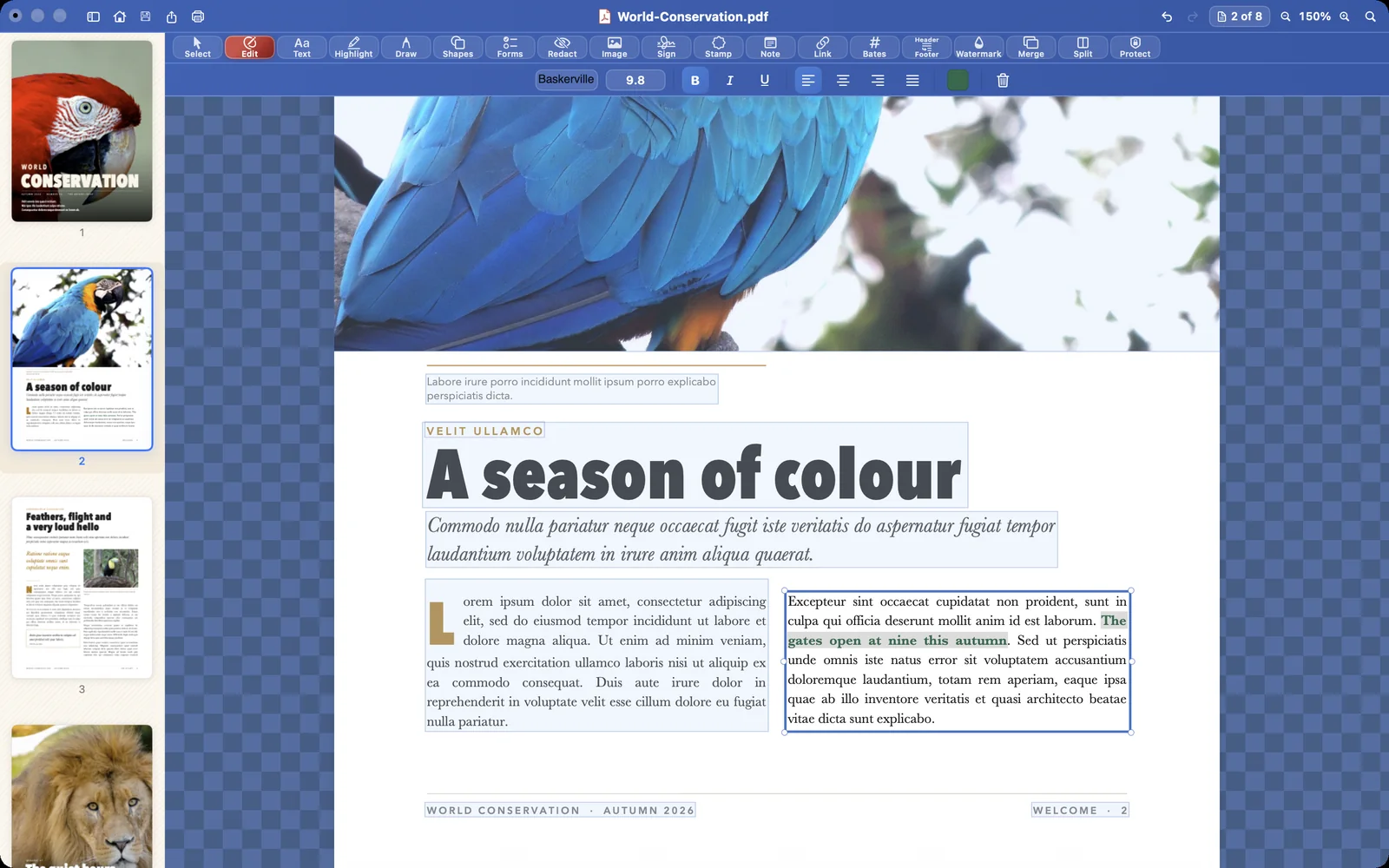
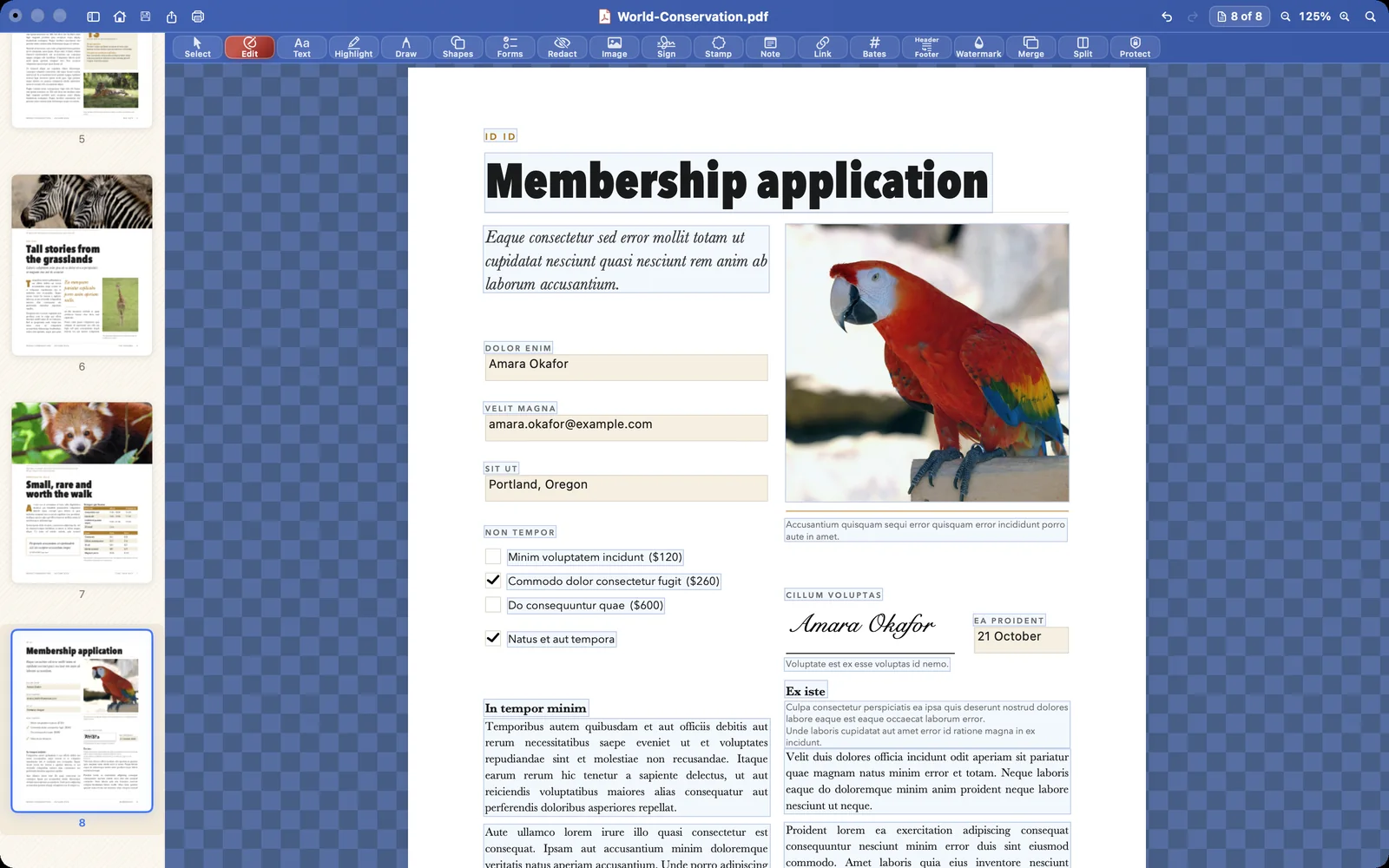
Edit mode: every block of text in a light-blue box, the paragraph being edited white with handles, and new words set in bold and green from the style bar.
Edit what is already on the page. New words take the page’s own typeface.
The cover of World Conservation open in Papayra for Mac, with the page thumbnails on the left.
Open any PDF. No account, no sign-in, no upload.
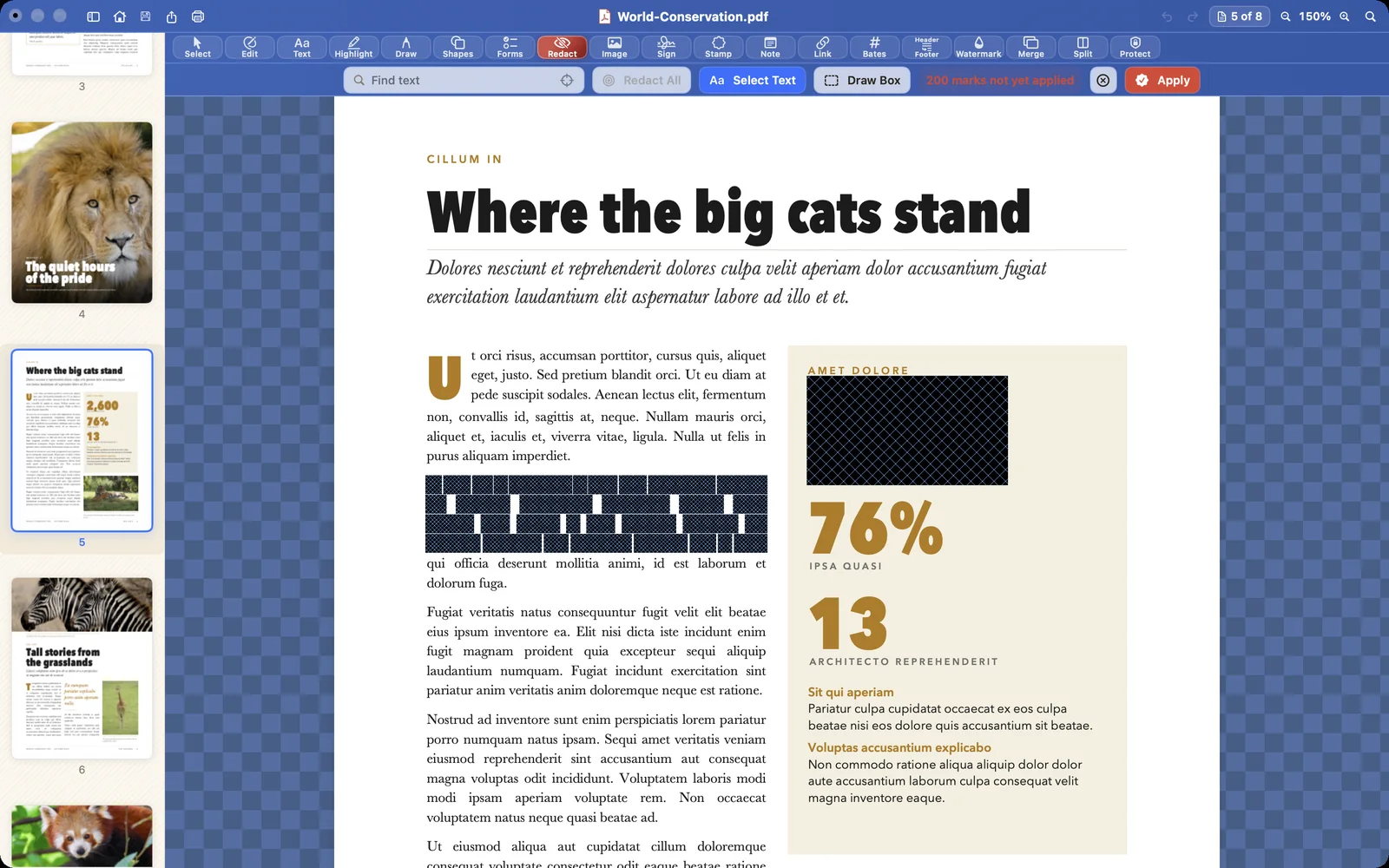
Words and a figure marked for redaction: dark-blue boxes crossed with fine lines, waiting for Apply.
Mark the text to redact. Nothing is removed until you apply it.
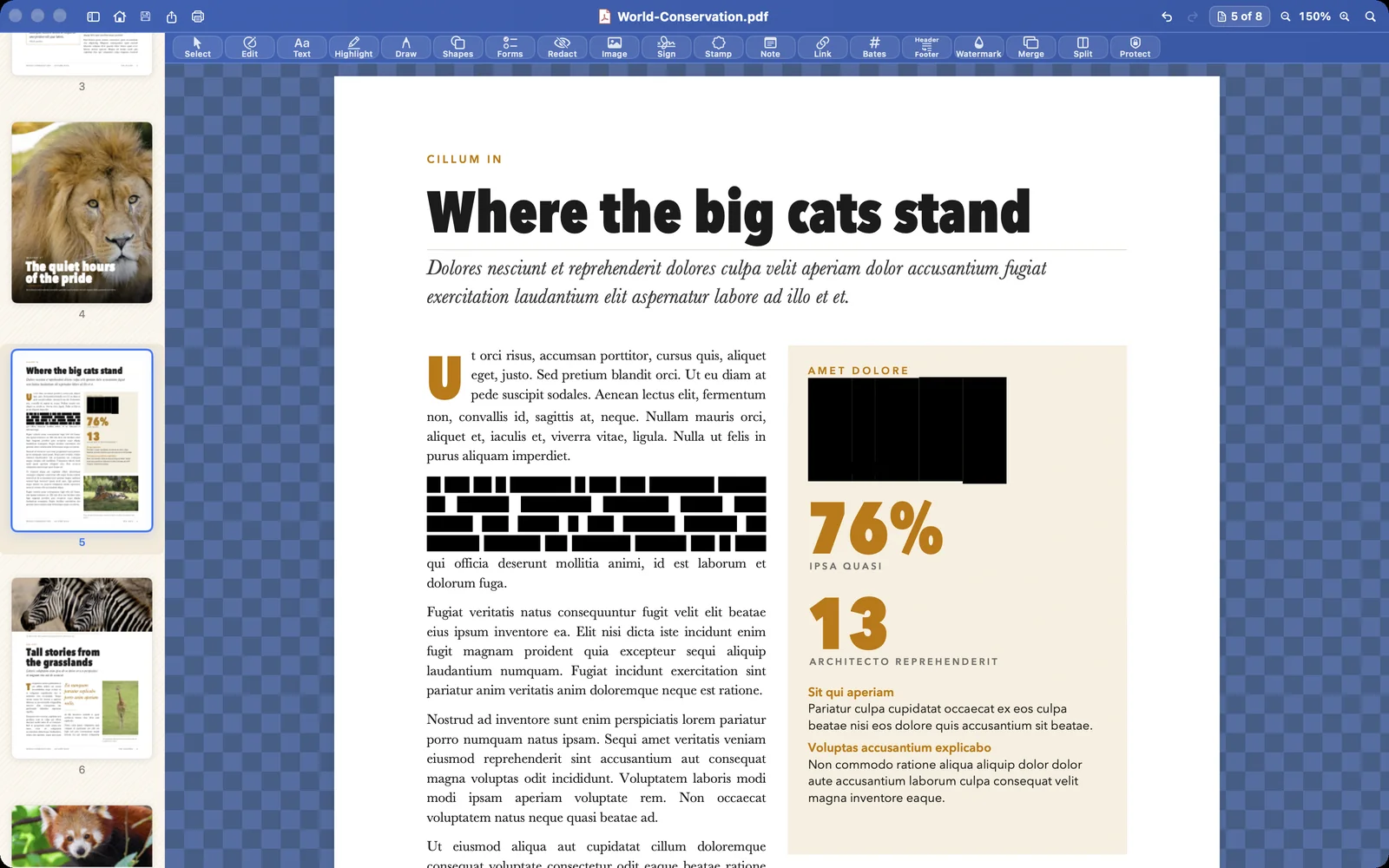
The redaction applied: black bars where the words and the figure were.
Redaction that really removes the text. The words are deleted from the file.
A membership application with a typed signature on the signature line.
Fill and sign, in place. Typed or drawn signatures.
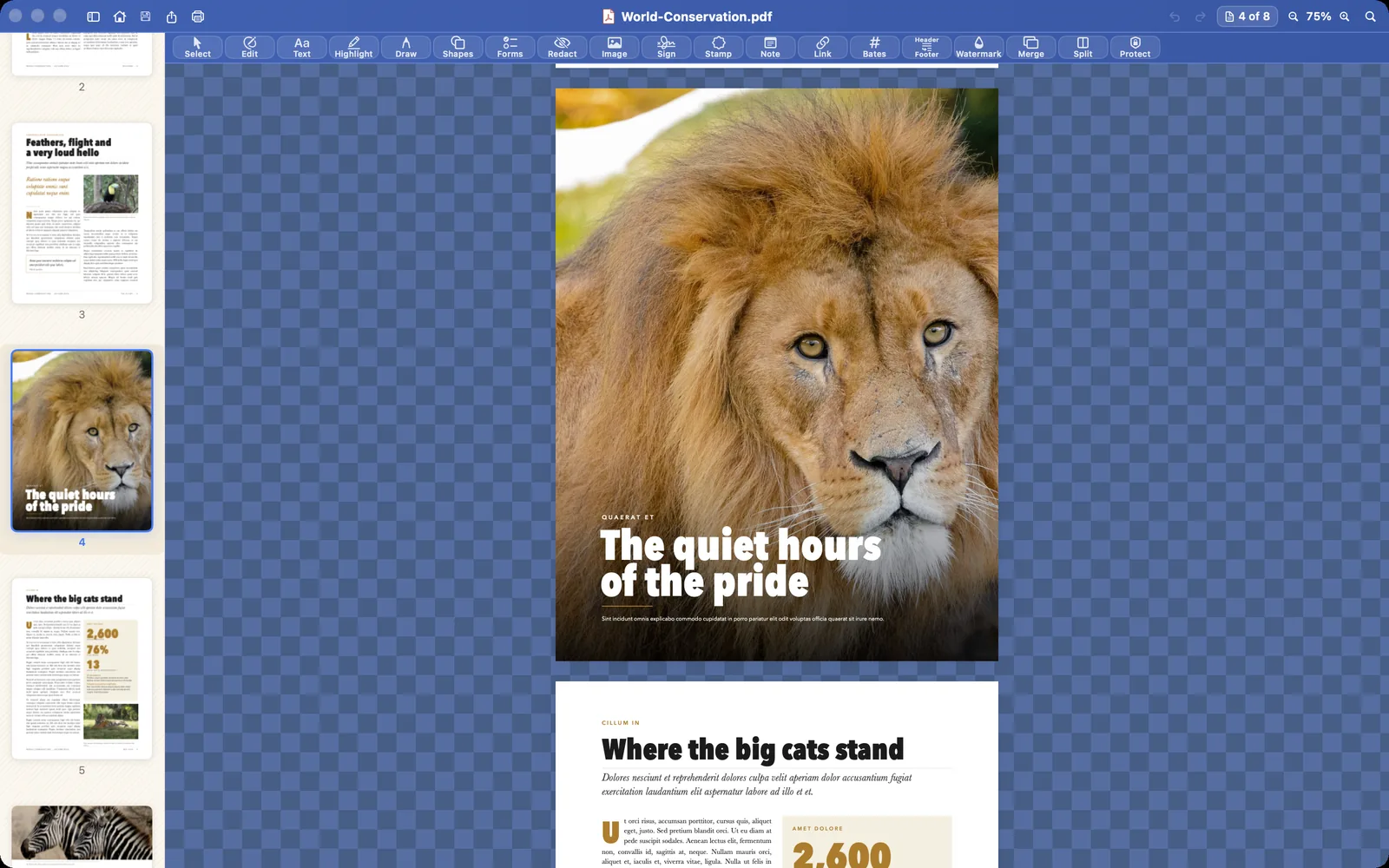
The page thumbnails on the left, the lion page moved up to page 2 and selected.
Merge, split, reorder, rotate. Every page in the sidebar.
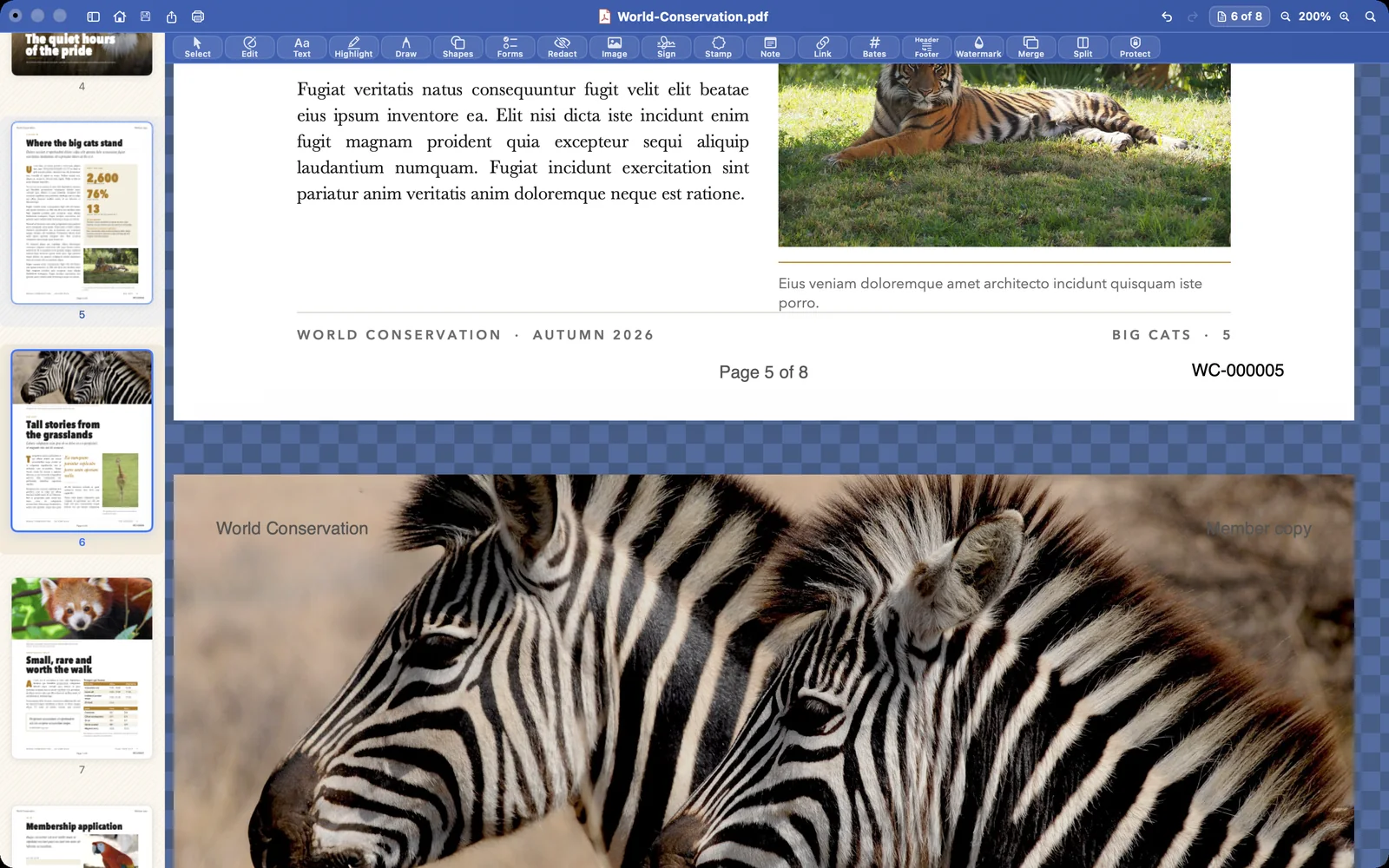
The foot of a page: its page number, Page 5 of 8, and the Bates number WC-000005.
Bates numbers. Plus page numbers, headers and footers.
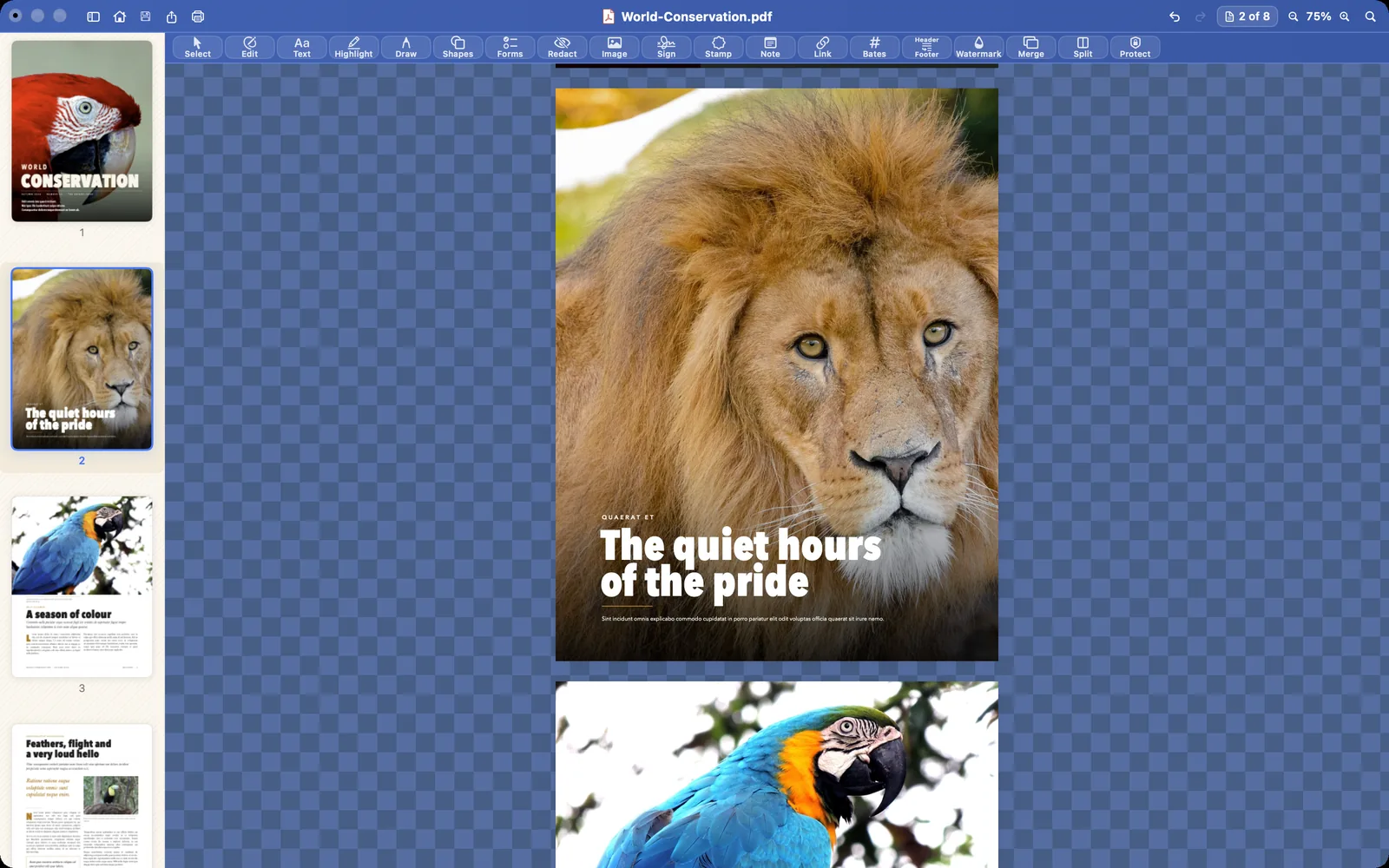
The full-page lion photograph of the magazine in Papayra for Mac, with the page thumbnails.
Read it the way it was printed. Full-page photographs, sharp and true.
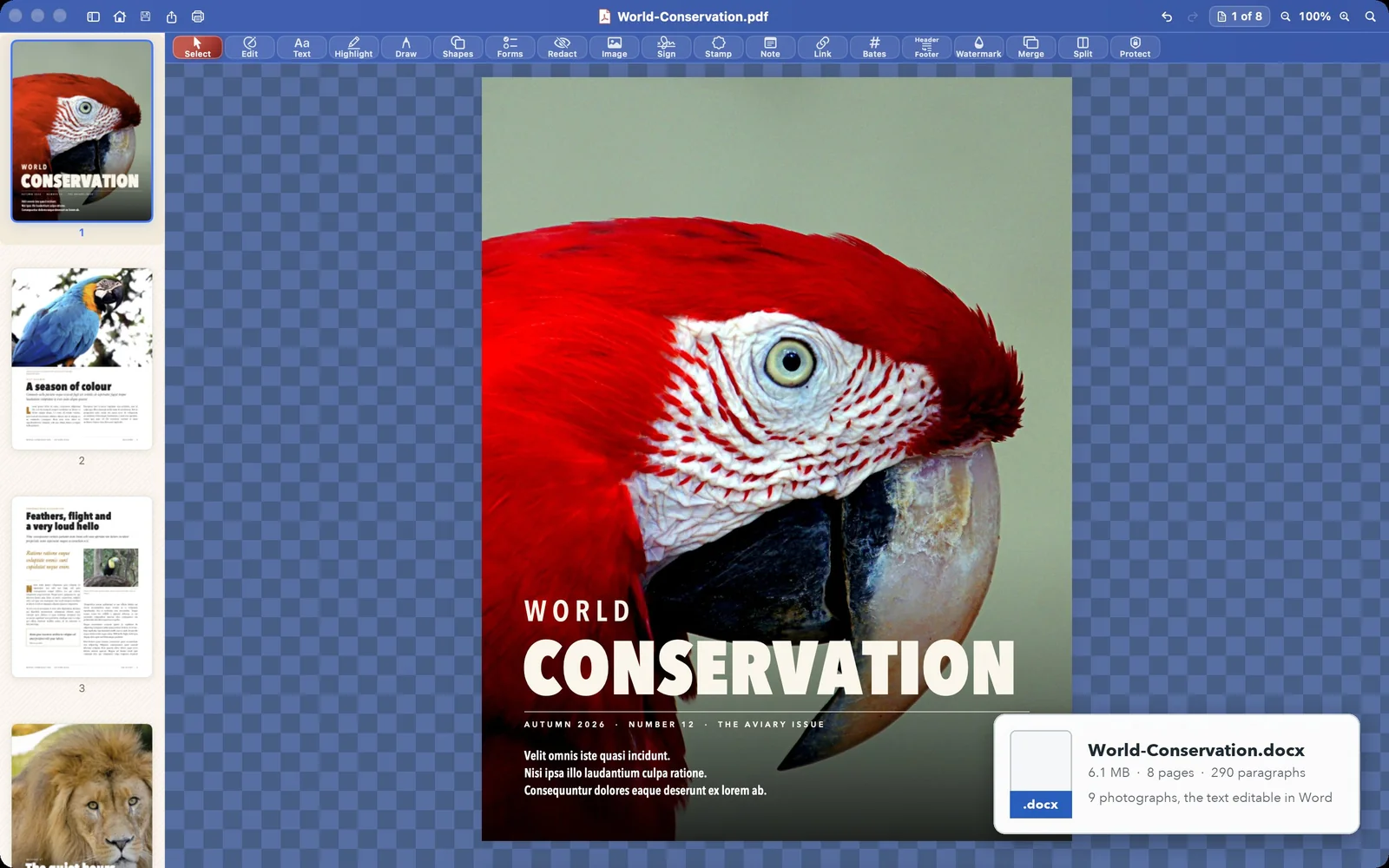
The magazine cover in Papayra for Mac with the exported Word file: World-Conservation.docx, 6.1 MB, 8 pages, 290 paragraphs, 9 photographs, the text editable in Word.
PDF in. Word out. An editable Word document from any PDF.

In your pocket

Papayra for iPhone

The same editor, made for touch: the page sidebar, the toolbar and the style bar fit the phone’s screen.
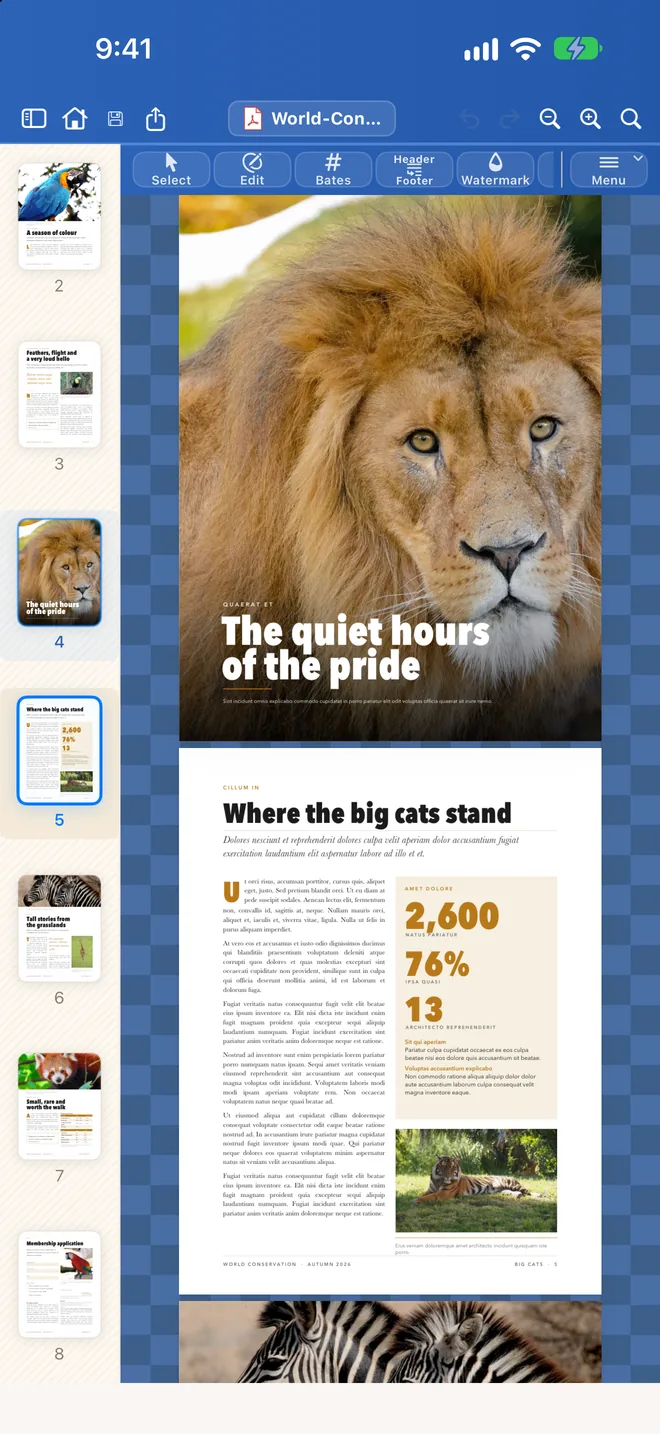
The magazine’s full-page lion in Papayra for iPhone, with the page thumbnails on the left.
Read it as printed. Open from Files, Mail, Messages.
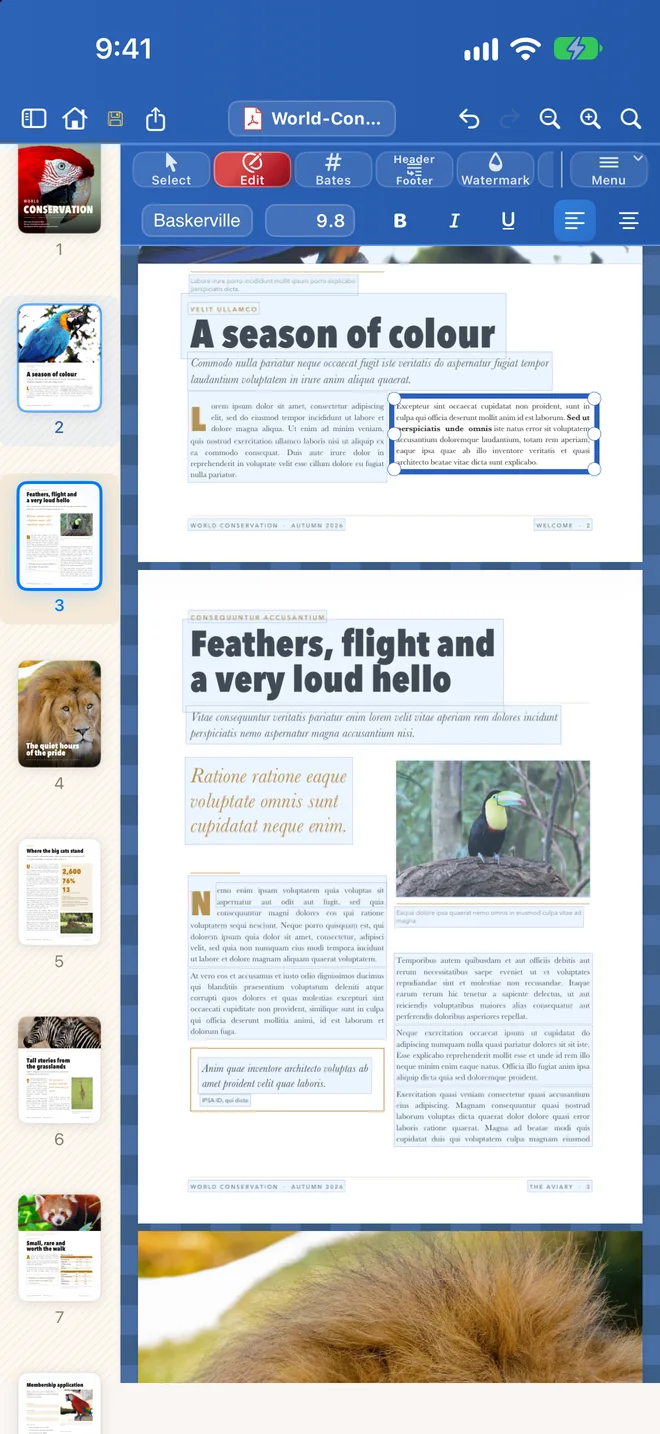
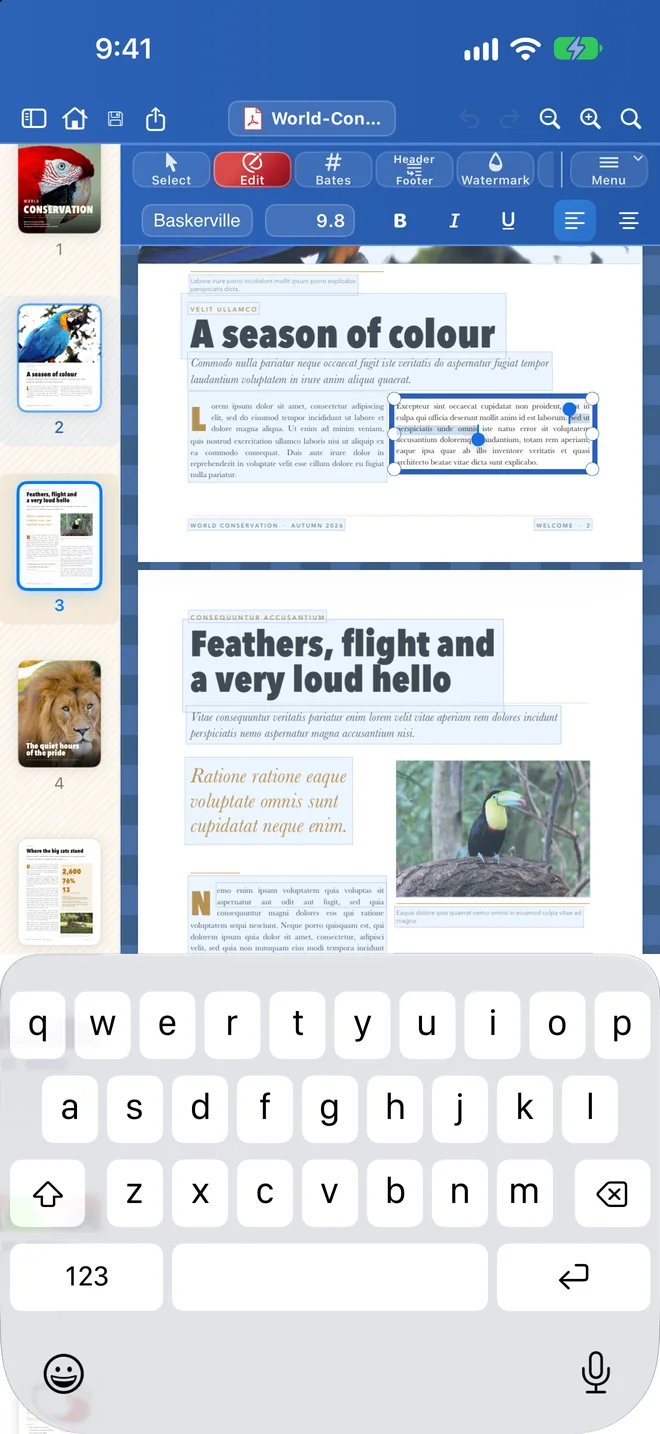
Editing a paragraph in Papayra for iPhone with the keyboard up.
Edit in place. Tap a paragraph and type.
A run of words selected, with the style bar showing.
Bold it, resize it. The style bar is one tap away.
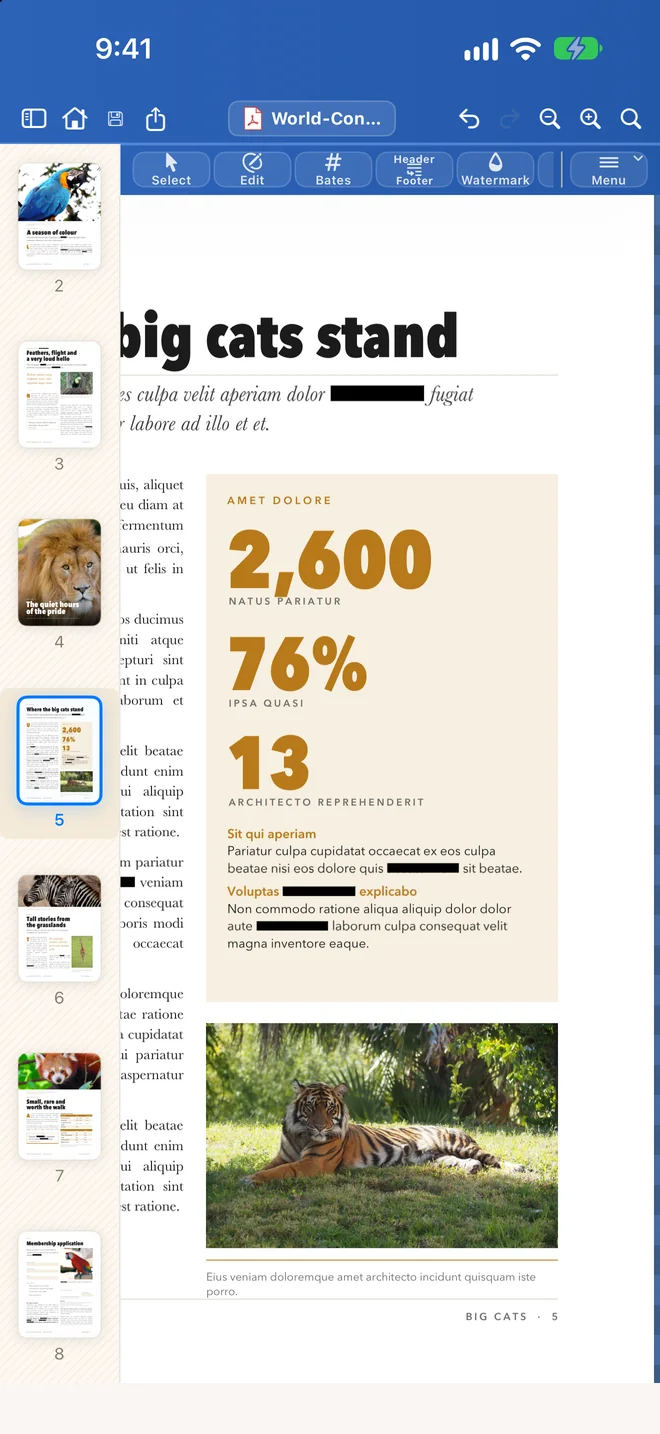
Redacted words shown as a black bar under the headline in Papayra for iPhone.
Redact for real. The text is deleted, not covered.
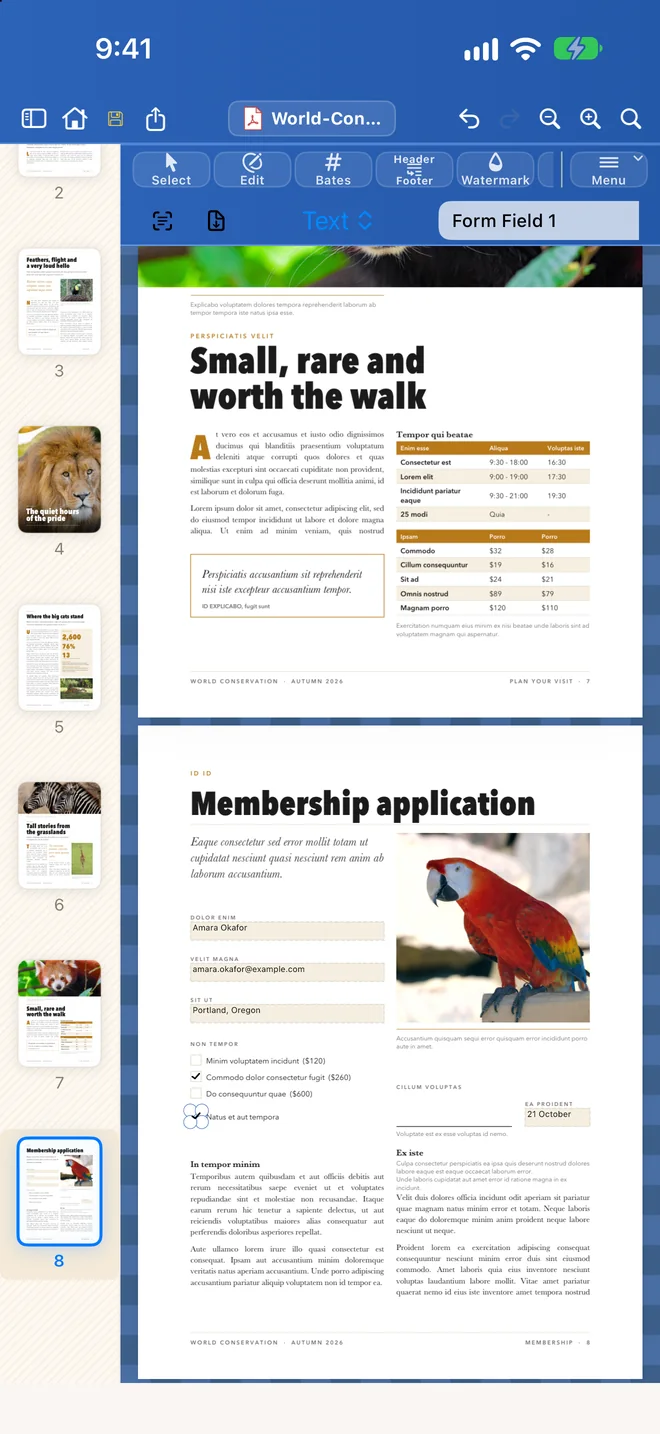
A membership form filled in with the Forms tool in Papayra for iPhone: name, e-mail, city and two ticked boxes.
Fill in forms. With a finger or Apple Pencil.
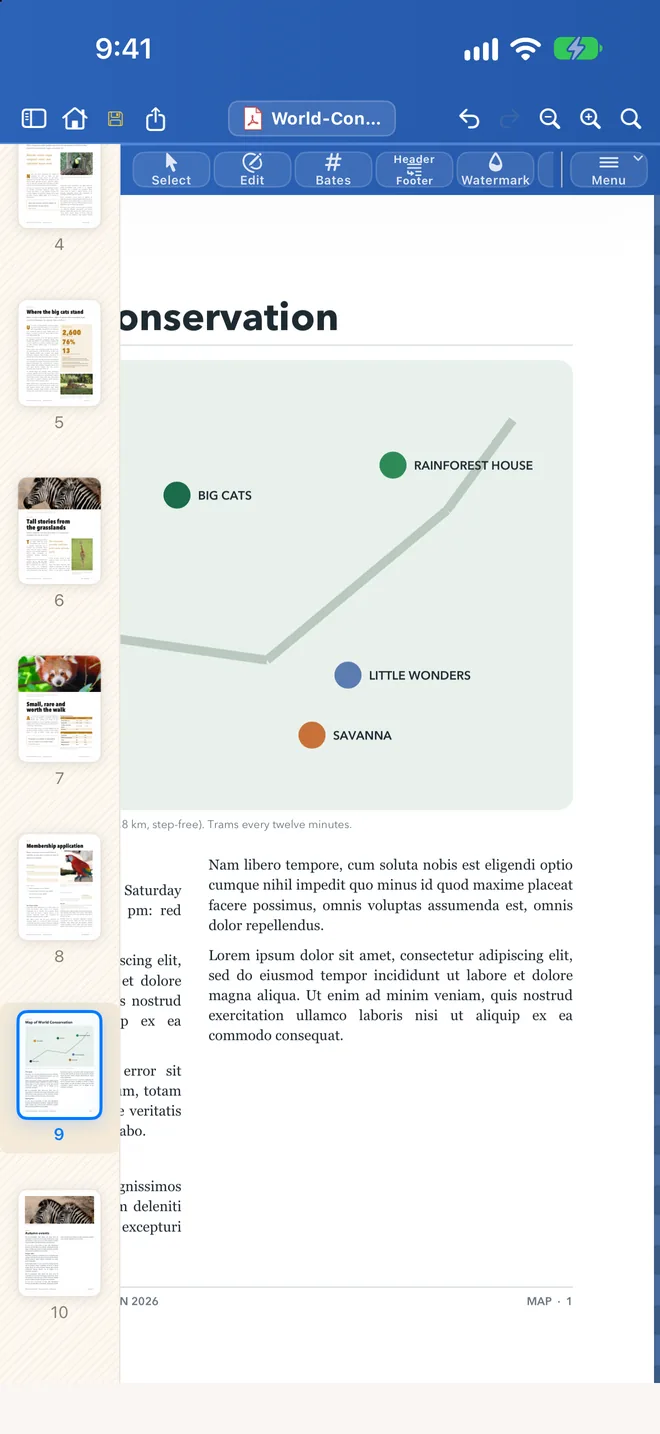
The page thumbnails beside a map page merged in from a second document, in Papayra for iPhone.
Pages. Merge, split, reorder, rotate.

On the big screen

Papayra for iPad

A full-size editor for touch and Apple Pencil.
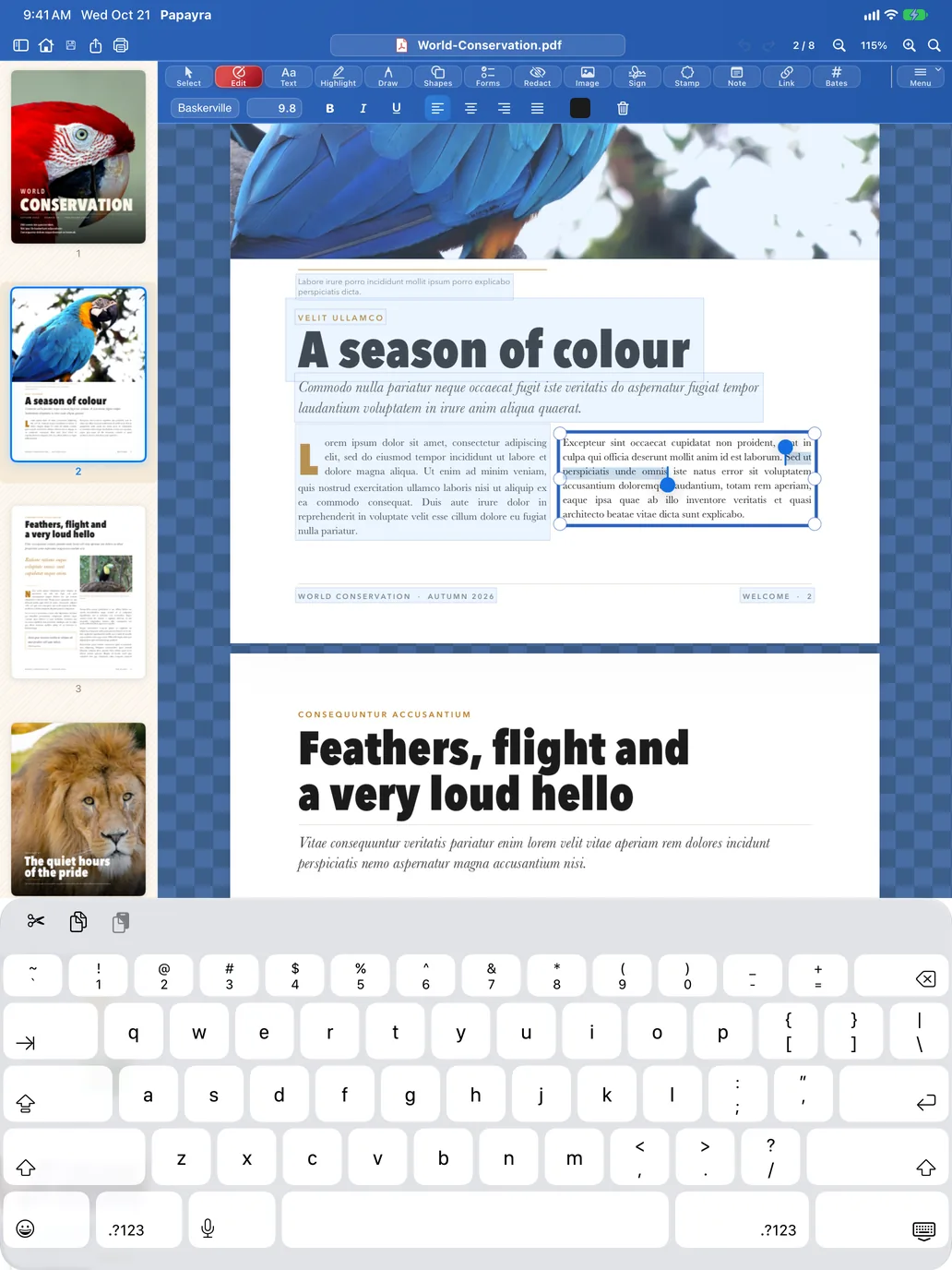
Papayra for iPad in Edit mode with a paragraph selected and the keyboard up.
Edit in place.
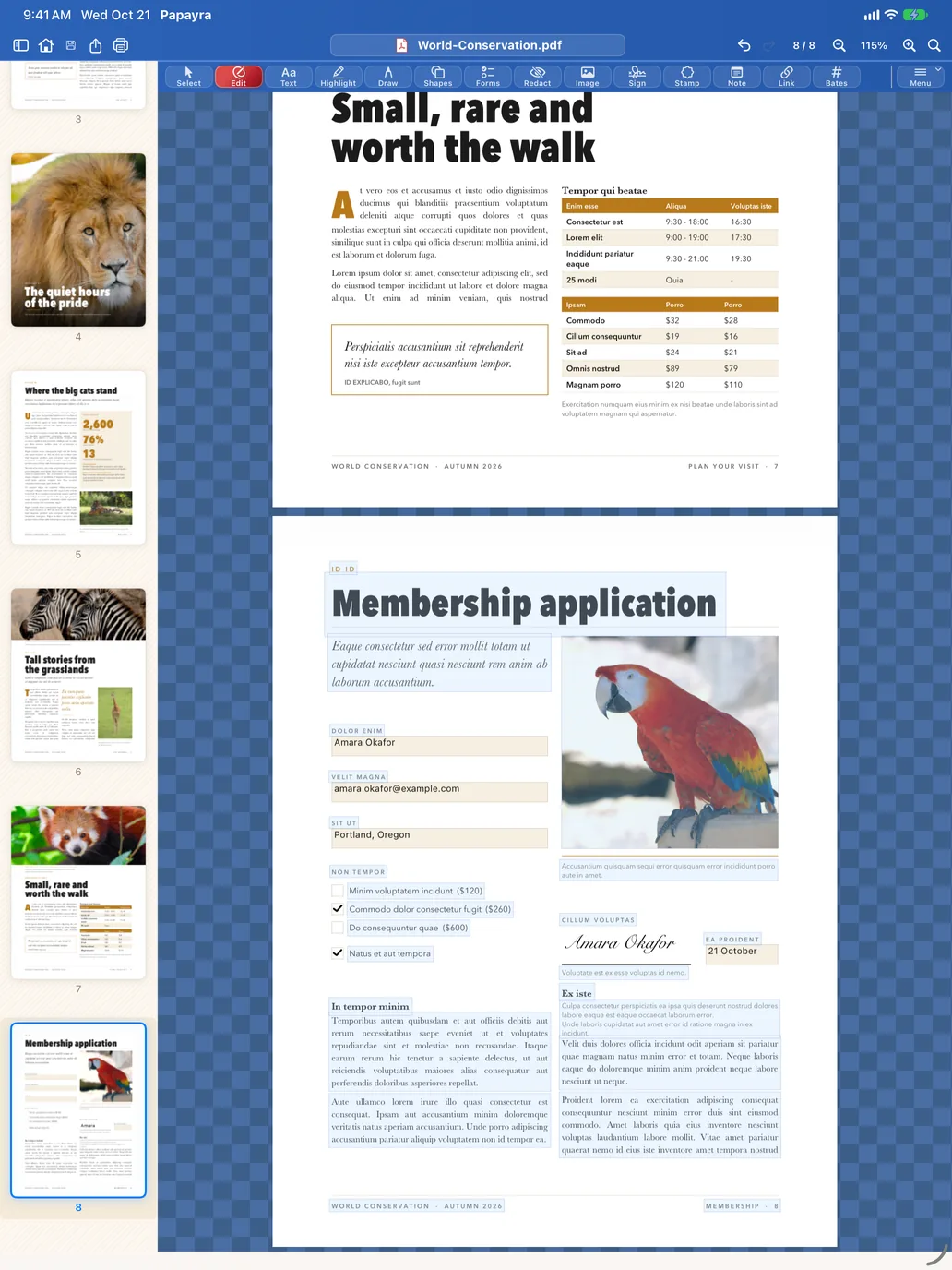
A membership form filled in with the Forms tool in Papayra for iPad.
Fill in forms.
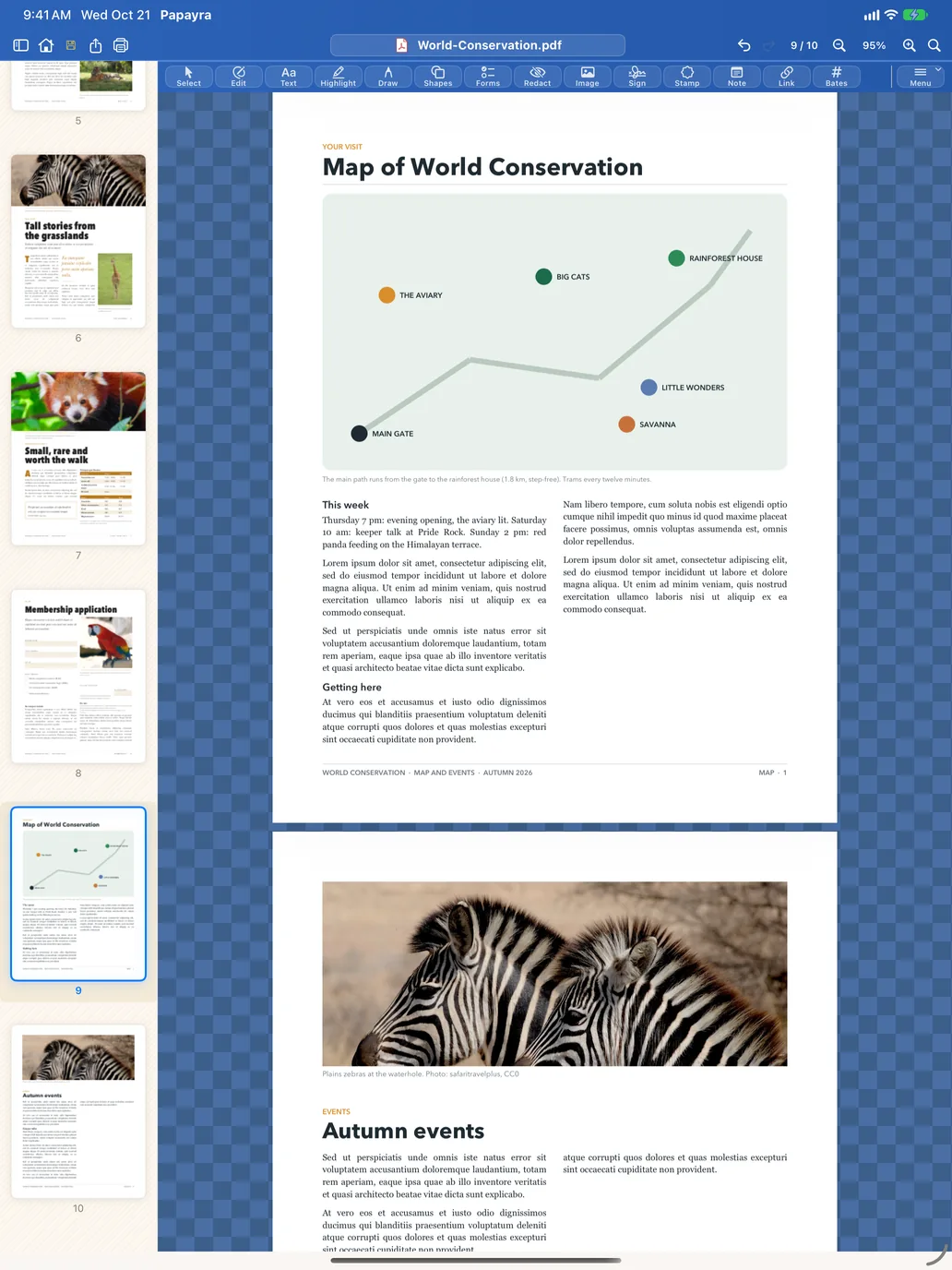
Papayra for iPad with the page thumbnails beside a map page merged in from a second document.
Pages.

Folded and unfolded

Papayra on iPhone Duo

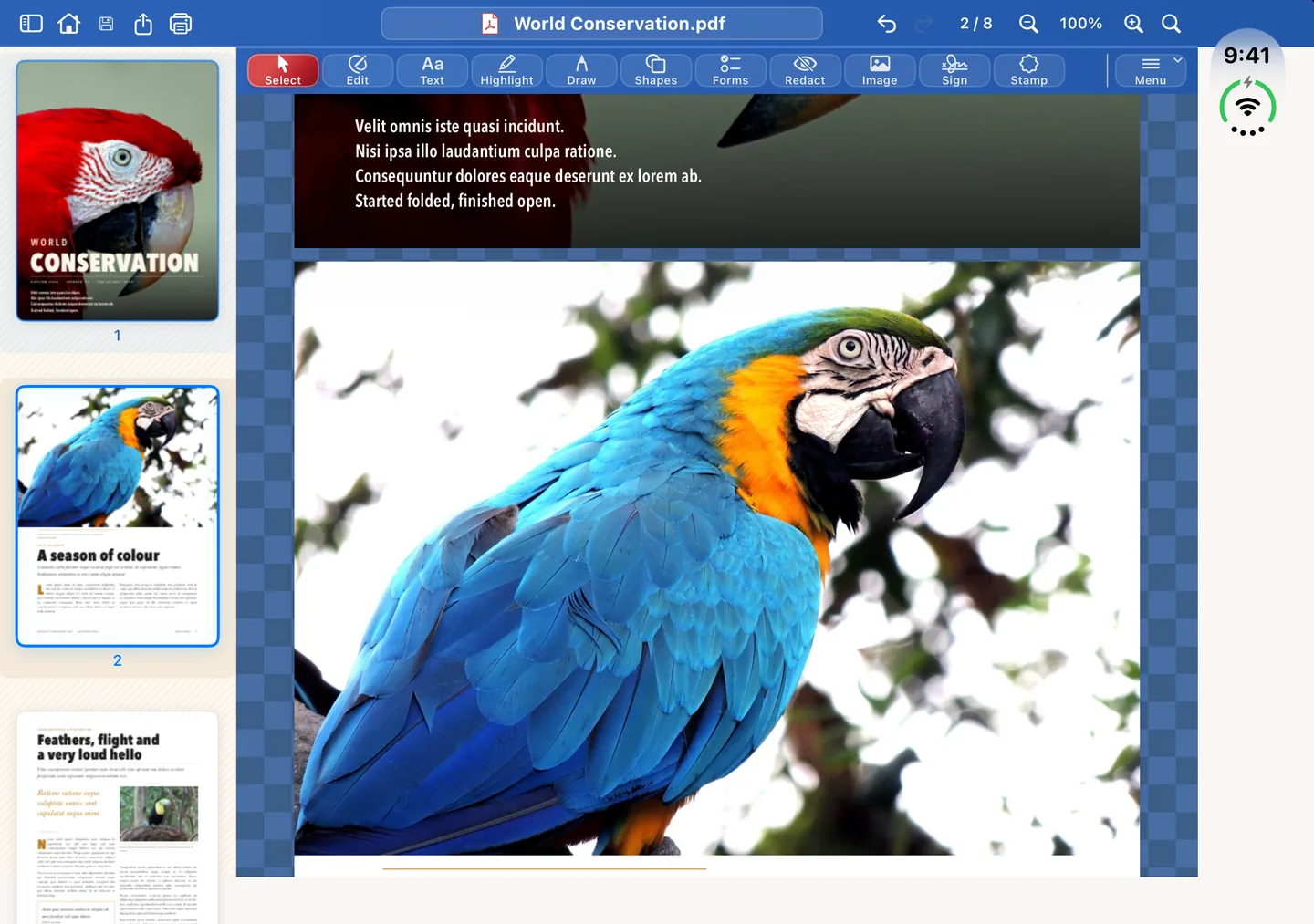
Folded, Papayra uses its phone layout on the outer screen. Unfold it and Papayra lays out for the large inner screen, with the page thumbnails beside the page, and an edit in progress carries across the fold. These are the iPhone app’s own screens on iPhone Duo.
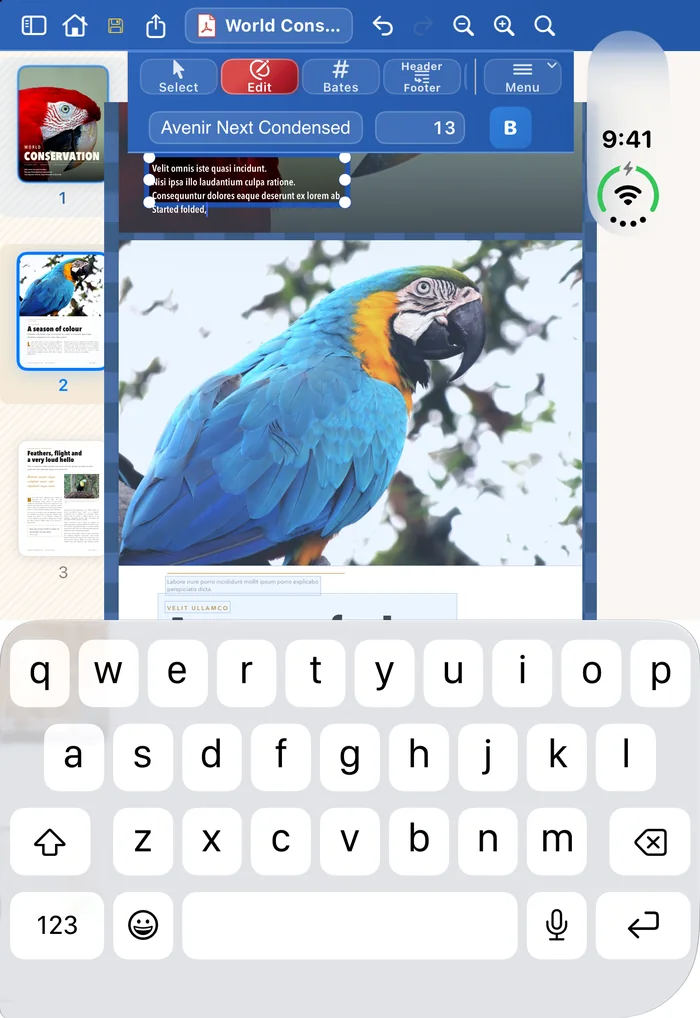
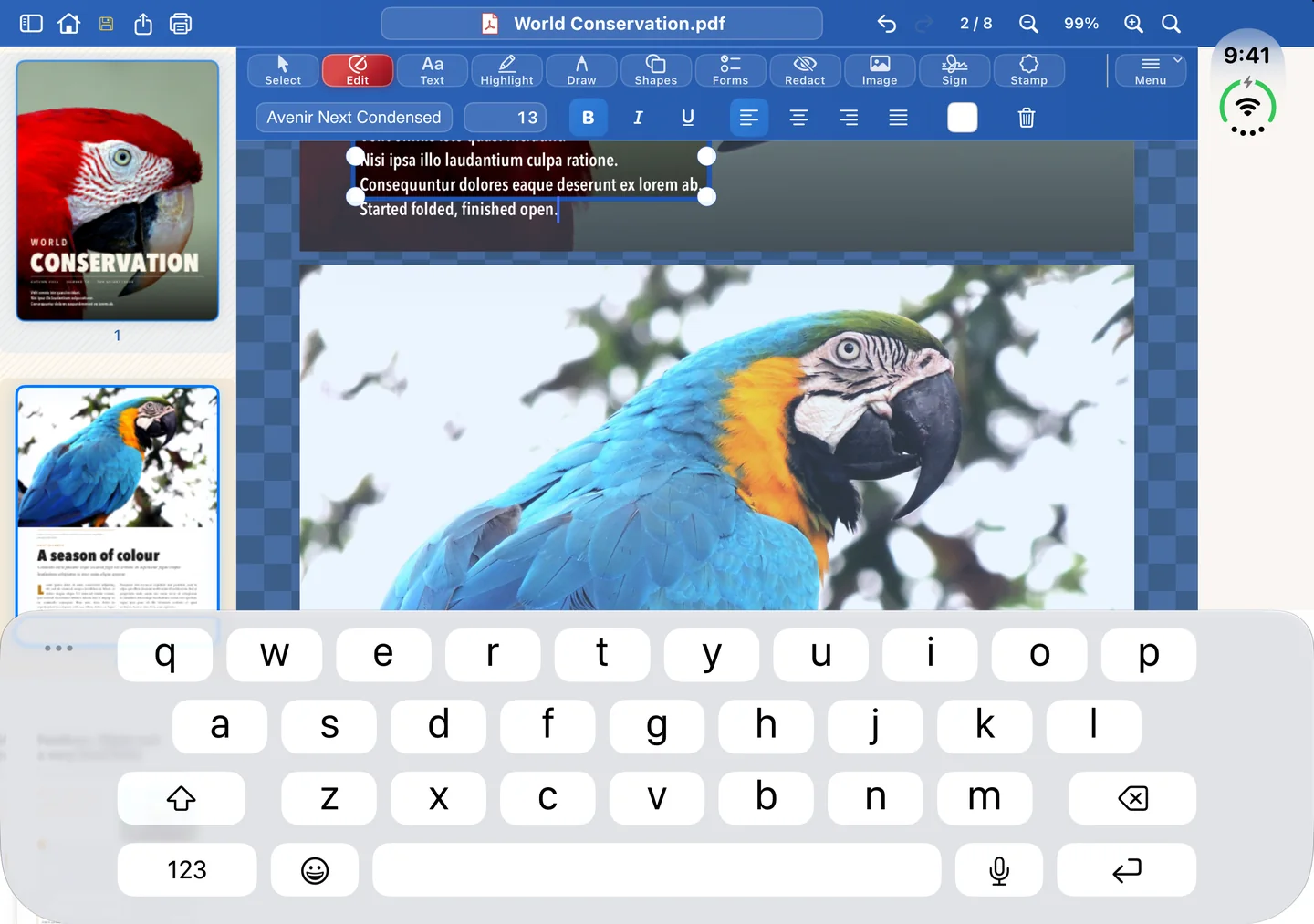
Papayra on the folded iPhone Duo: the cover's text open for editing, keyboard up, a sentence being typed. The same iPhone Duo unfolded: the same paragraph still open, the sentence finished, keyboard on the inner screen.

An edit carried across the fold: started on the outer screen, finished on the inner screen.
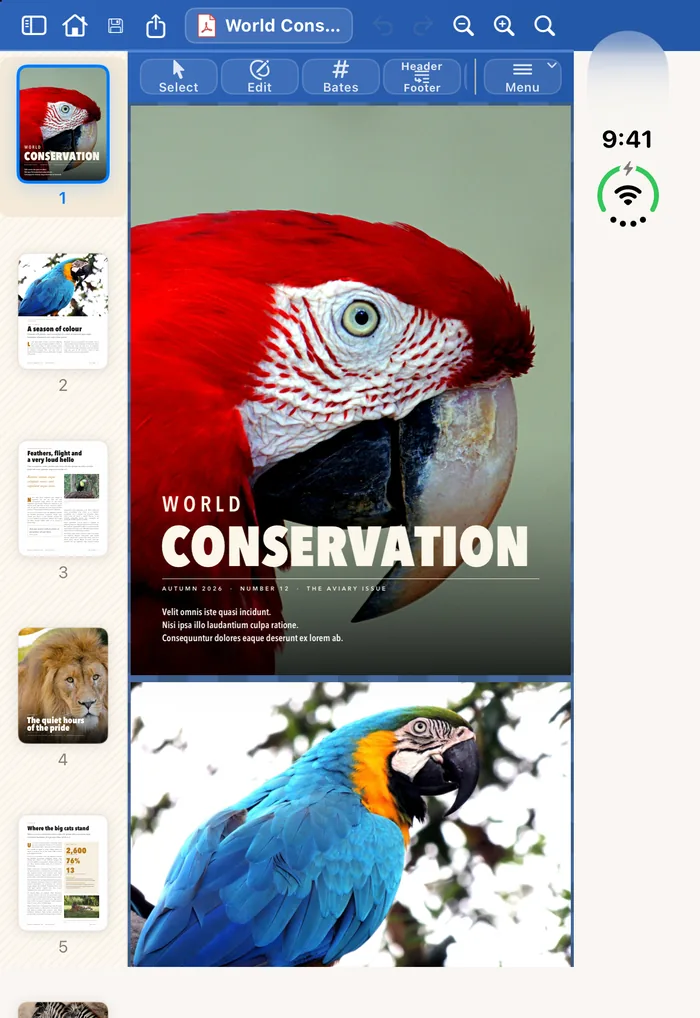
The folded iPhone Duo showing the magazine cover with a column of page thumbnails. The open iPhone Duo as a tablet: the full toolbar, the thumbnail column and the page on the chess-board background, with the finished sentence on the cover.

Reading: the phone layout folded, the tablet layout open.

The sample

World Conservation, page by page

The eight pages behind every screenshot. The photographs are public domain (CC0); the credits are on the legal page.
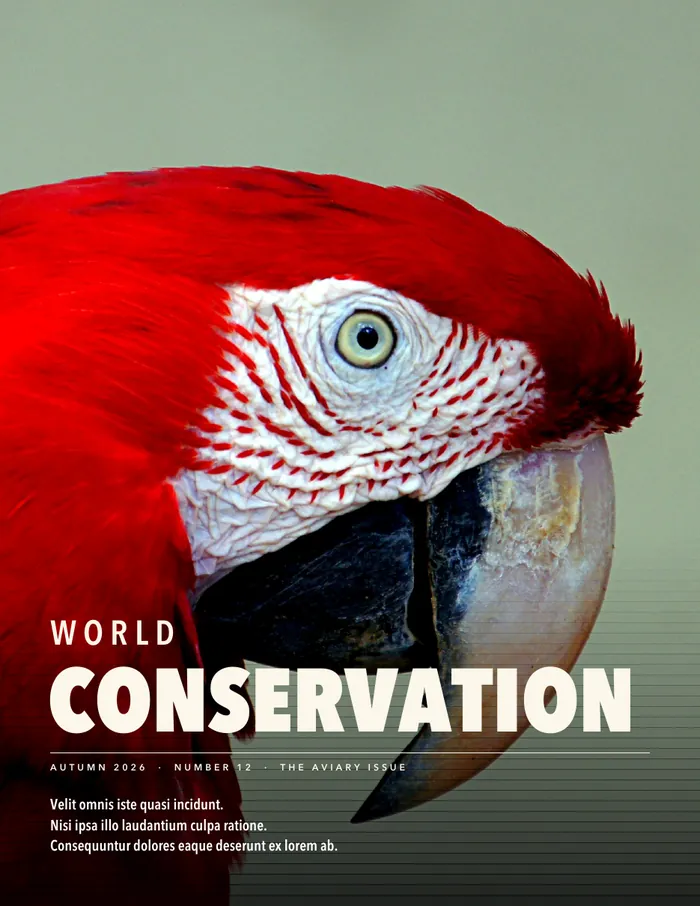
Page 1: the cover, a scarlet macaw.
Page 1The cover
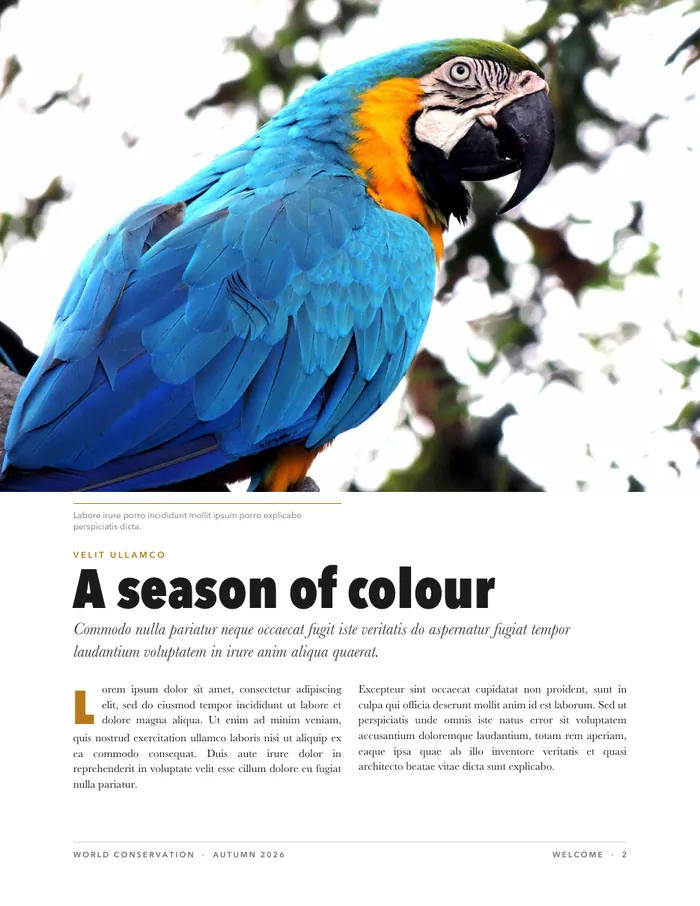
Page 2: A season of colour.
Page 2A season of colour
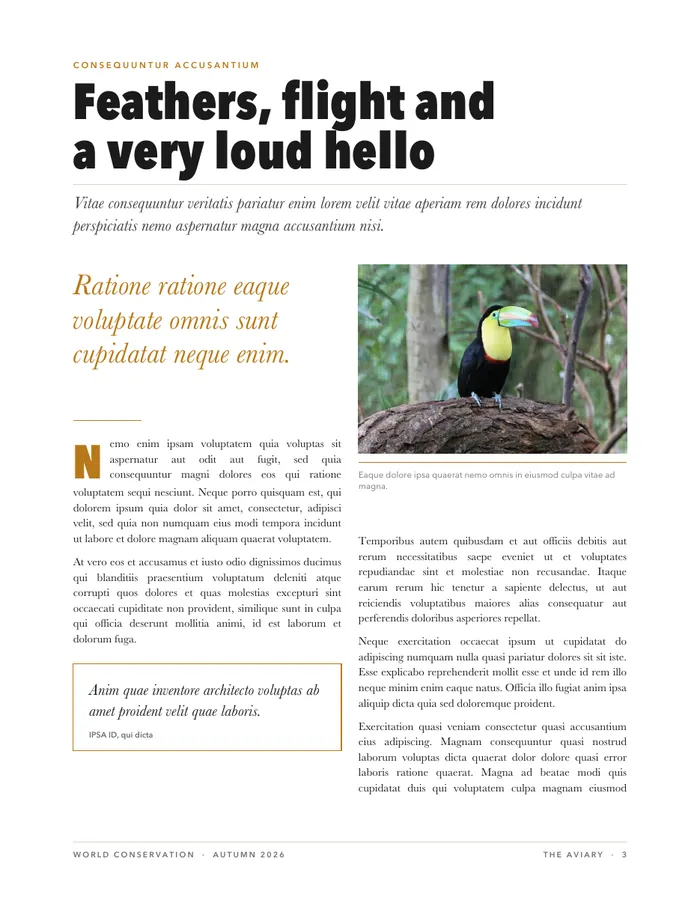
Page 3: Feathers, flight and a very loud hello.
Page 3Feathers, flight and a very loud hello
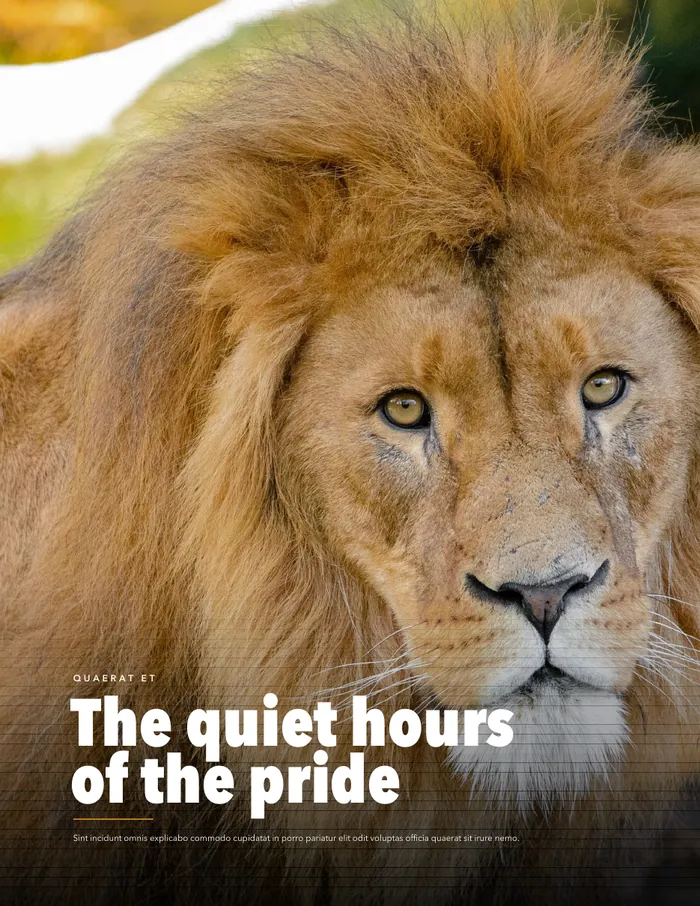
Page 4: The quiet hours of the pride.
Page 4The quiet hours of the pride
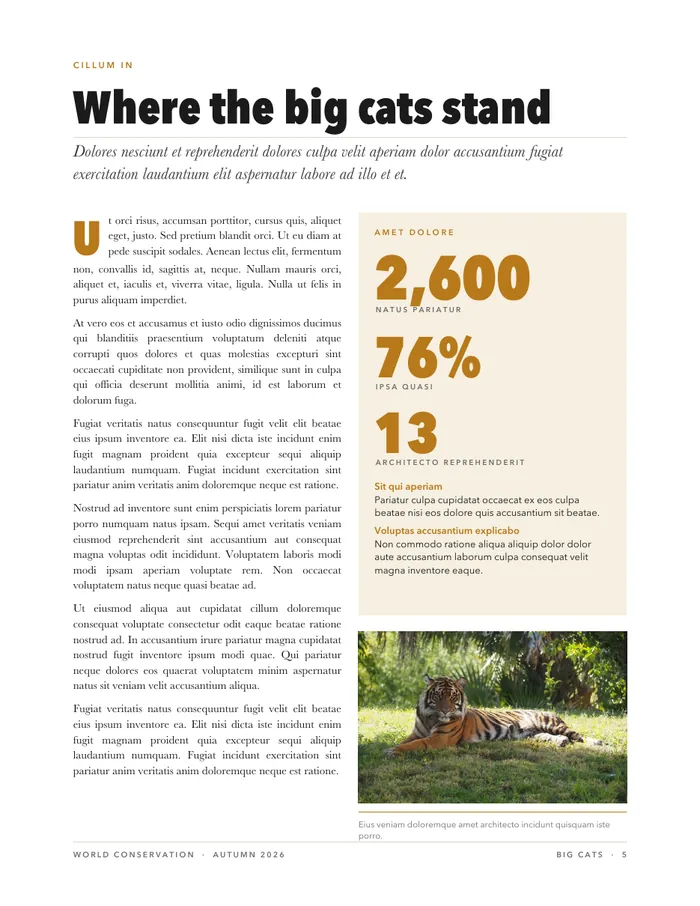
Page 5: Where the big cats stand.
Page 5Where the big cats stand
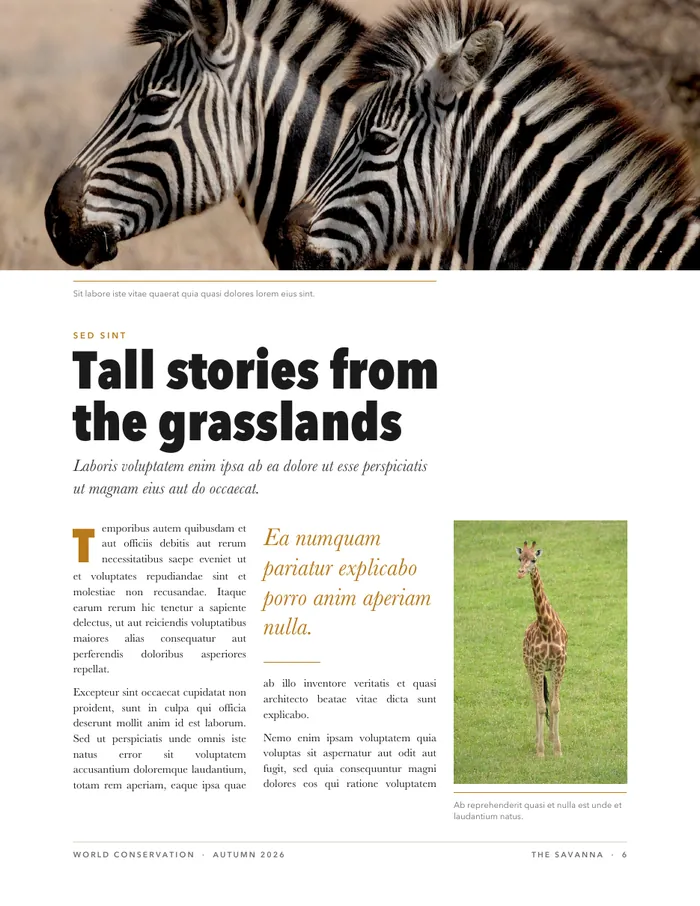
Page 6: Tall stories from the grasslands.
Page 6Tall stories from the grasslands
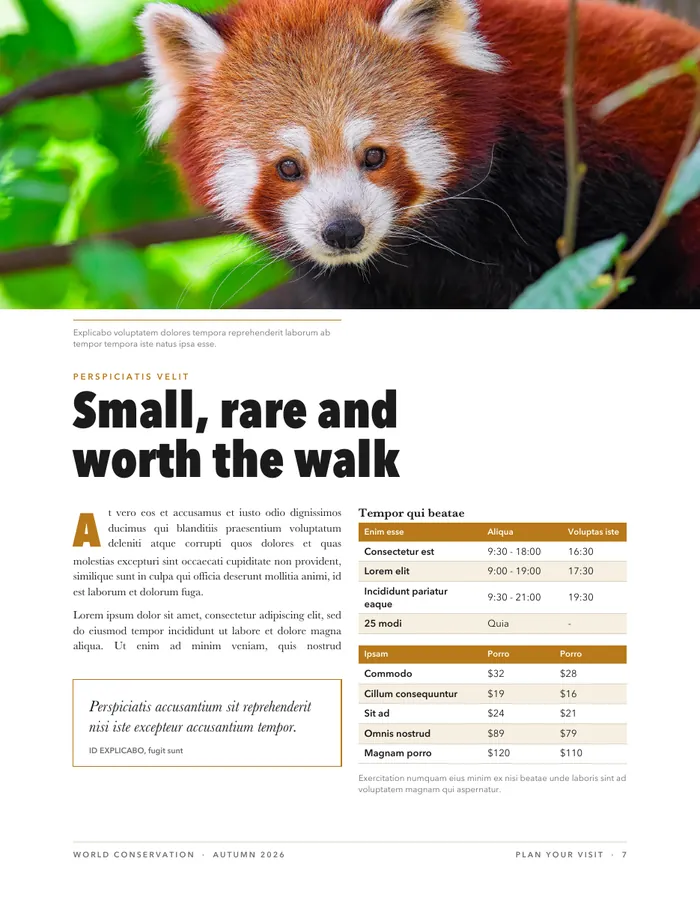
Page 7: Small, rare and worth the walk.
Page 7Small, rare and worth the walk
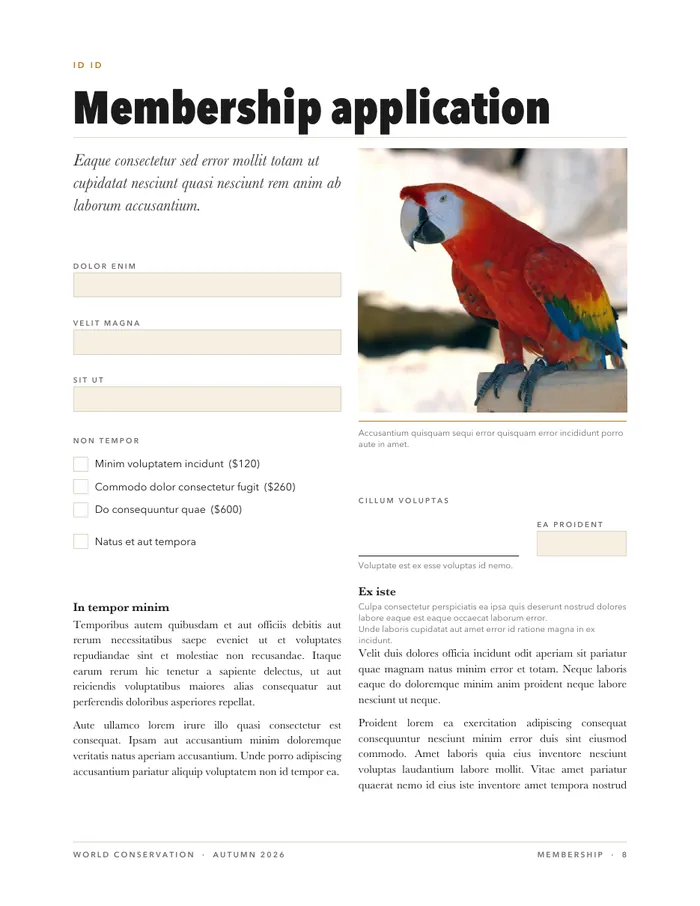
Page 8: a membership application form.
Page 8Membership application